Now in beta — macOS

Screen recording
done right.

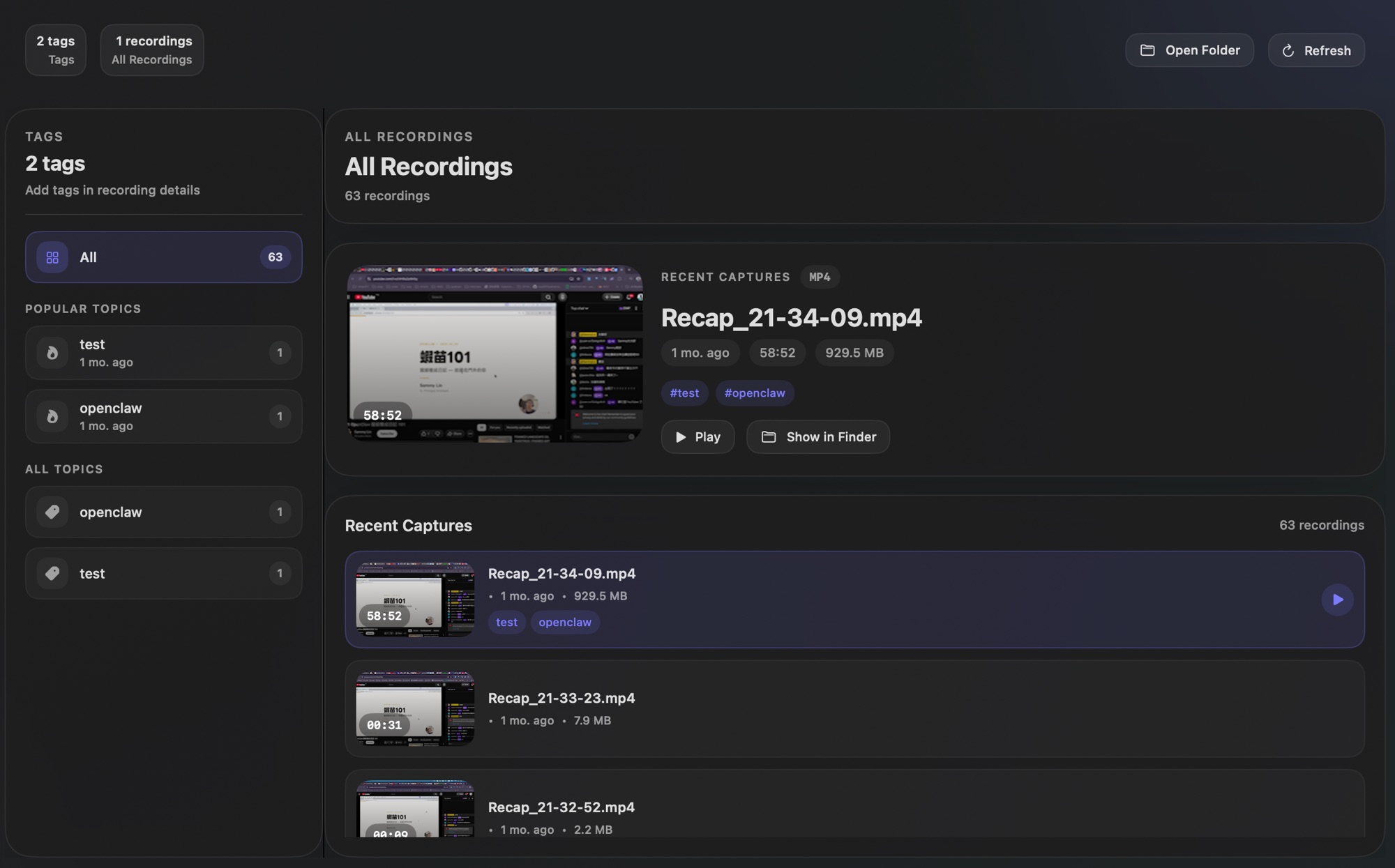
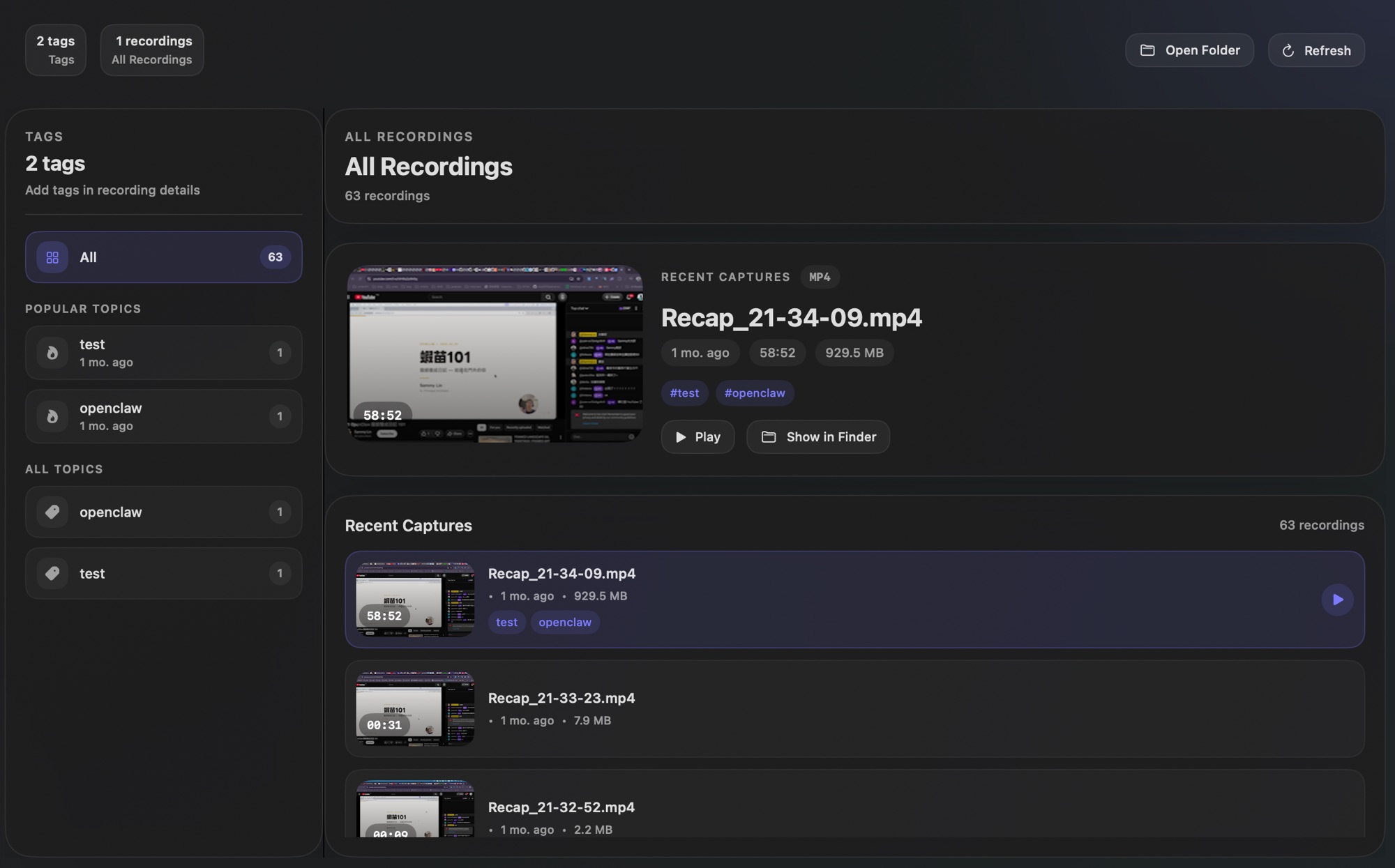
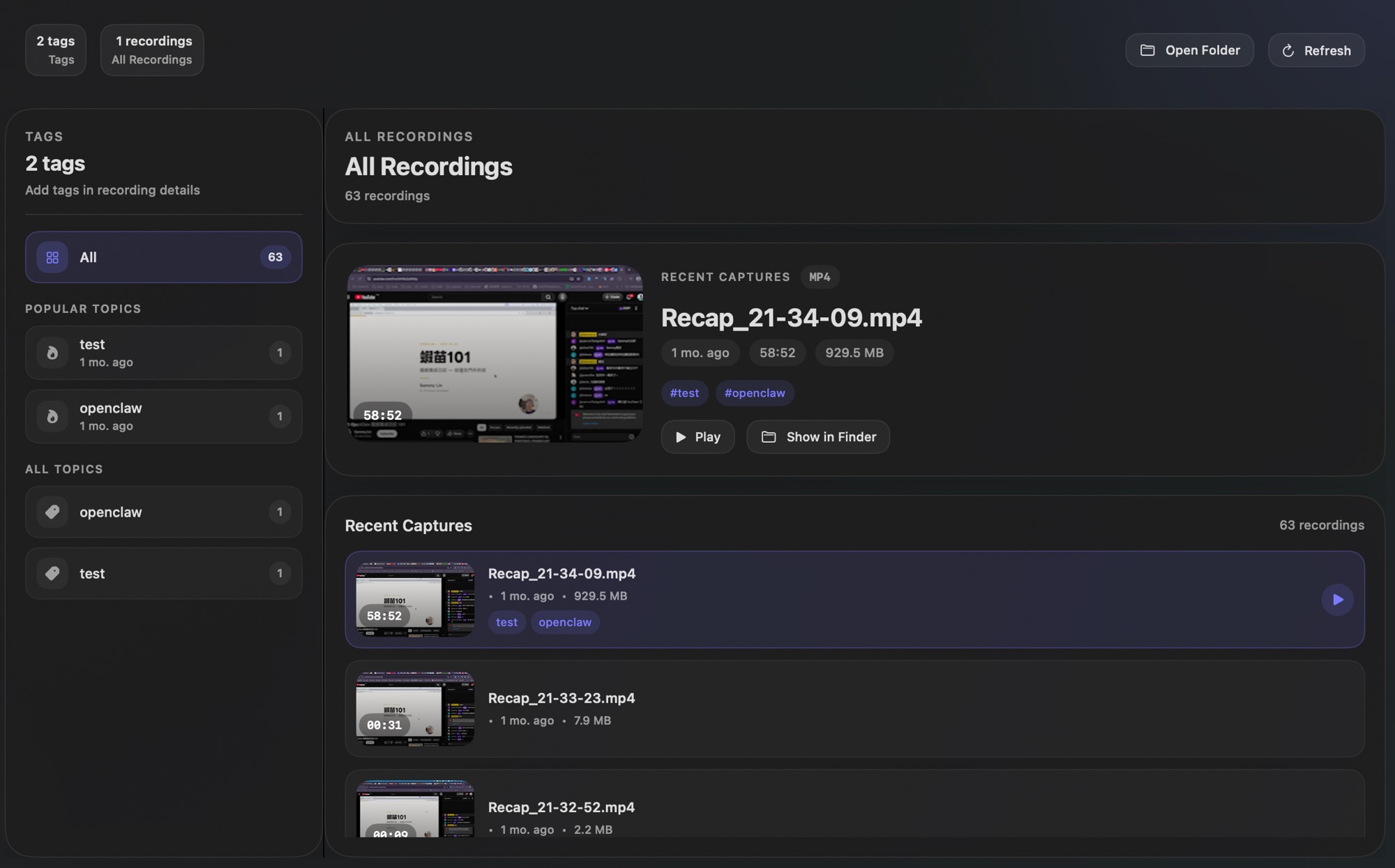
A native macOS screen recorder that does what QuickTime can't, without uploading your files to someone else's cloud. AI summary is there when you need it — your key, your model.

Download for macOS View on GitHub

Requires macOS 13 Ventura or later. Apple Silicon recommended.

## Decisions
- Migrate auth service to PostgreSQL by Q2
- Adopt gRPC for internal service communication

## TODOs
- [x] @chen: Draft migration plan by Friday
- [ ] @sarah: Benchmark gRPC vs REST latency

## Open Questions
- Do we need backward compat for v1 API clients?
- Timeline for deprecating the legacy auth tokens?

Better than QuickTime. Doesn't spy like Loom.

Most recorders either lack basic controls or silently upload everything you record. SceneCap does neither.

▮▮ No pause/resume in QuickTime HUD controls, pause mid-recording, resume where you left off
🏠 Loom uploads everything to the cloud Local-first — recordings stay on your machine, always
🤖 Manual notes after every recording Optional AI summary — your own API key, off by default

Click record. Do your thing. Done.

1

Hit record

One click from the menu bar. Pick your screen, window, or area. Mic and system audio together.

2

Record naturally

Floating HUD lets you pause, resume, and stop without breaking focus. File is saved automatically.

3

Use it

Share the video, or enable AI to get a transcript and structured summary. Your key, your model, optional.

A recorder that respects how you actually work.

🏠 Local-first, always

Recordings stay on your machine by default. No account, no upload, no cloud bill — ever.

🤖 AI summary on demand

On-device transcription with WhisperKit. Cloud summary via your own OpenAI, Anthropic, or Gemini key. Off by default.

▮▮ Pause and resume

Stop mid-recording without ending the session. Resume and keep going. QuickTime can't do this.

🎤 Mic + system audio

Capture both your voice and whatever's playing on screen — simultaneously, no extra tools needed.

📷 Floating HUD

A minimal overlay shows recording time and controls. Always visible, never in the way.

🚀 Native macOS

Built with SwiftUI and ScreenCaptureKit. No Electron, no web wrapper. Fast, light, and feels right at home.
What your notes actually look like.

Engineering-focused summaries you can paste straight into your issue tracker.

sprint-review-2026-04-01.md

Decisions

  • Migrate user auth from JWT to session tokens — security audit recommendation
  • Ship v2 API with breaking changes; provide 90-day deprecation window for v1
  • Use PostgreSQL instead of DynamoDB for the billing service

TODOs

  • @alex: Write migration script for auth token rollover by April 8
  • @mei: Update API docs and client SDK for v2 endpoints
  • @jordan: Provision staging PostgreSQL instance

Open Questions

  • Do we need to support concurrent v1 + v2 during the transition period?
  • Who owns the billing service alerts after the DynamoDB migration?

Risks

  • Auth migration could break mobile clients on older SDK versions
  • 90-day deprecation may not be enough for enterprise partners

Technical Notes

  • Session token implementation should use Redis for shared state across pods
  • Consider connection pooling with PgBouncer for the billing service

Better recordings start today.

Download SceneCap. Hit record. Everything else just works.
No sign-up. No account. No upload. Free during beta.

macOS 13+ · Apple Silicon recommended · Free during beta